Most people think better AI images come from writing longer prompts.
That’s only partly true.
Professional-looking AI images aren’t created by throwing random descriptive words together. Instead, they’re built one layer at a time.
Every sentence you add answers another question:
- What is the subject?
- What is it doing?
- Where is it?
- How is it lit?
- Where is the camera?
- Which lens is being used?
- What style are we trying to achieve?
In this article, we’ll start with the simplest possible prompt and gradually improve it. We’ll only make one meaningful change at each step so you can clearly see how every addition affects the final image.
Use the same cat throughout the exercise to make the differences easy to compare.
Step 1 – The Subject
Prompt
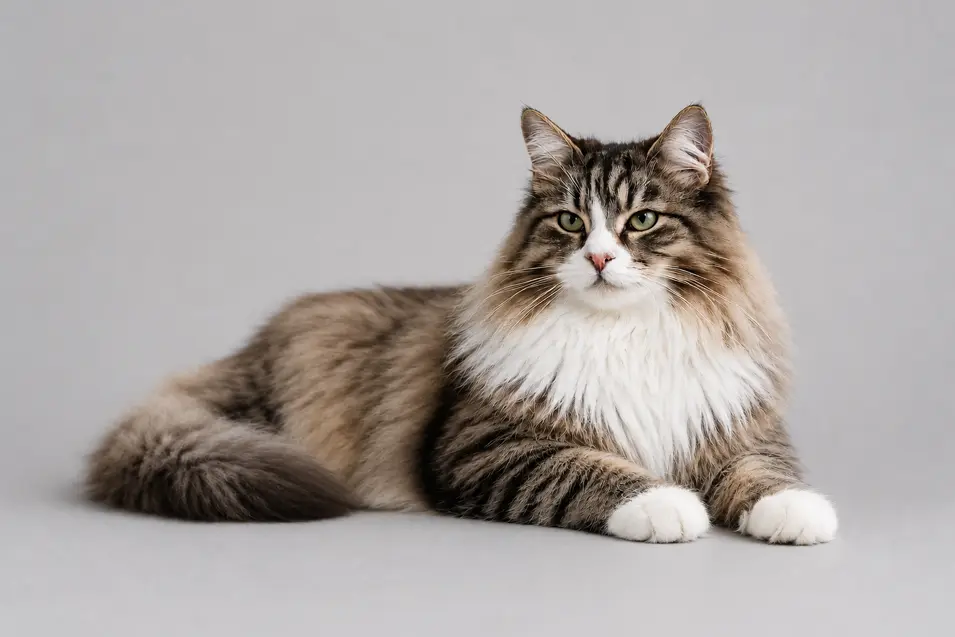
Norwegian Forest Cat
What Changed?
Nothing yet.
We’re simply telling the AI what we want.
The result will probably be a random cat in a random pose with a random background.
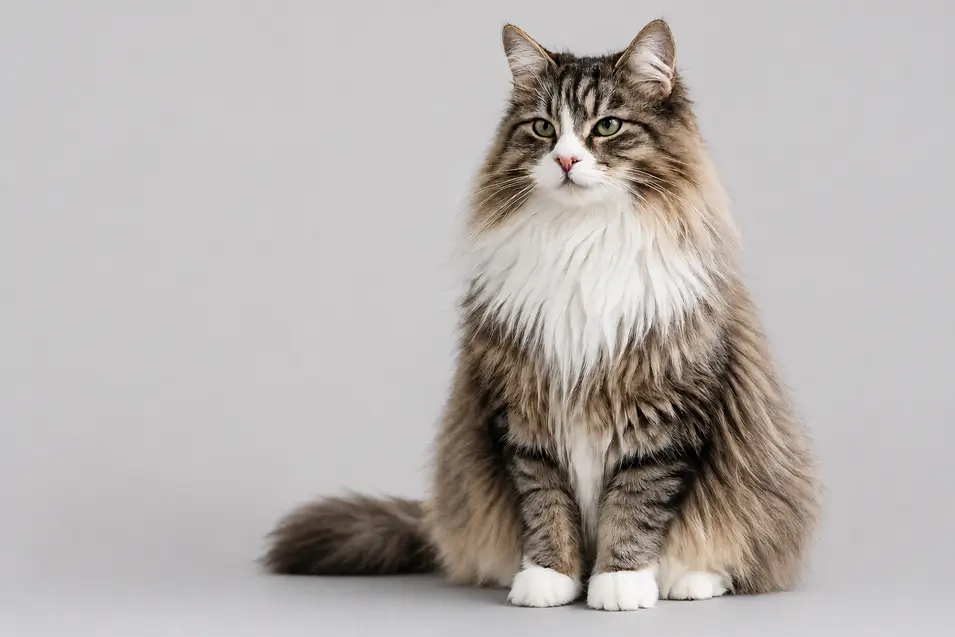
Step 2 – Add an Action
Prompt
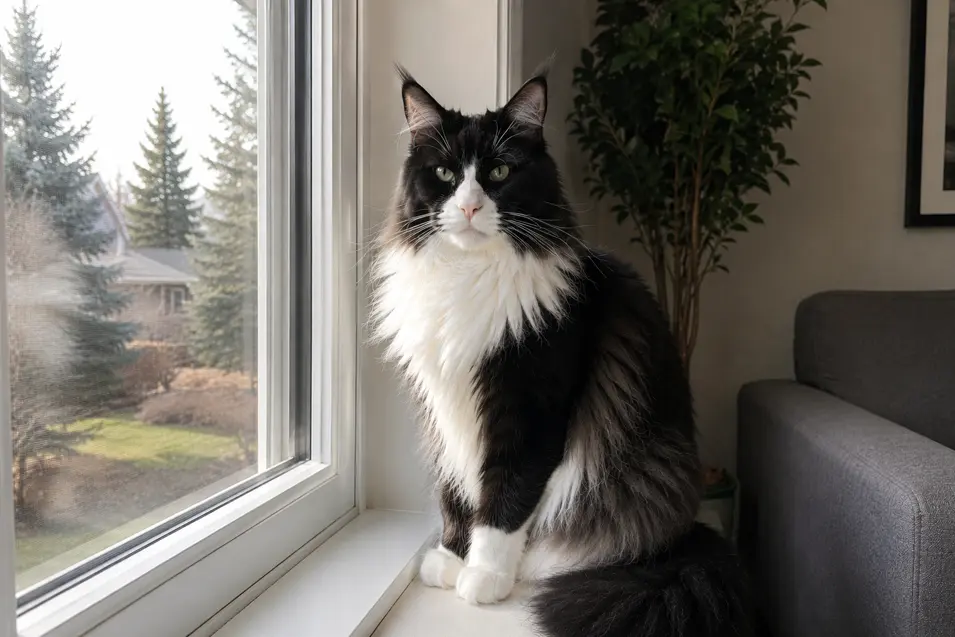
A Norwegian Forest Cat sitting.
What Changed?
Now the AI understands what the cat is doing.
Instead of choosing any pose, we’ve guided the composition slightly.
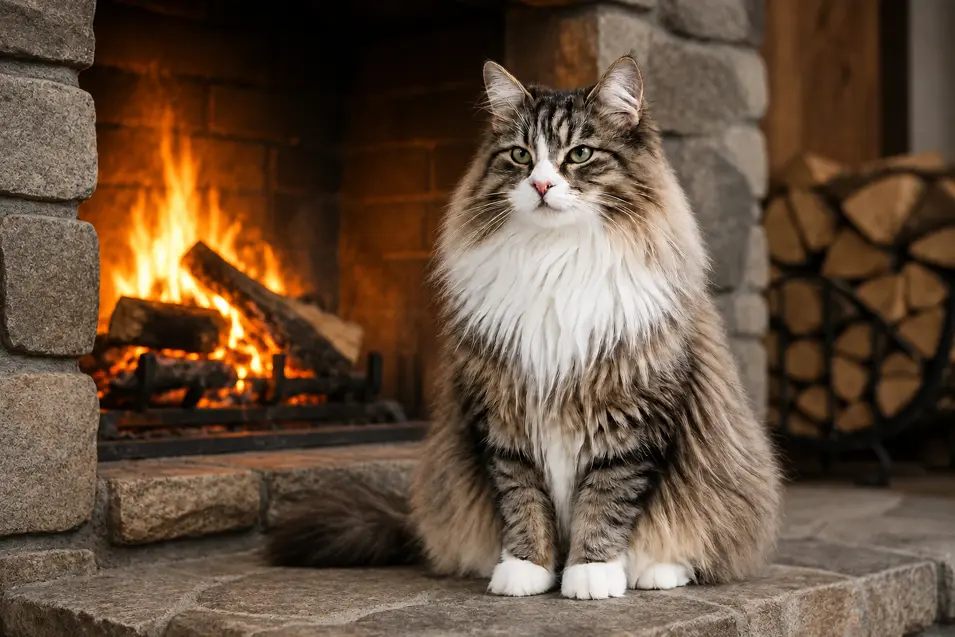
Step 3 – Add a Location
Prompt
A Norwegian Forest Cat sitting beside a stone fireplace.
What Changed?
Now the image starts telling a story.
Instead of floating in an empty scene, the cat belongs somewhere.
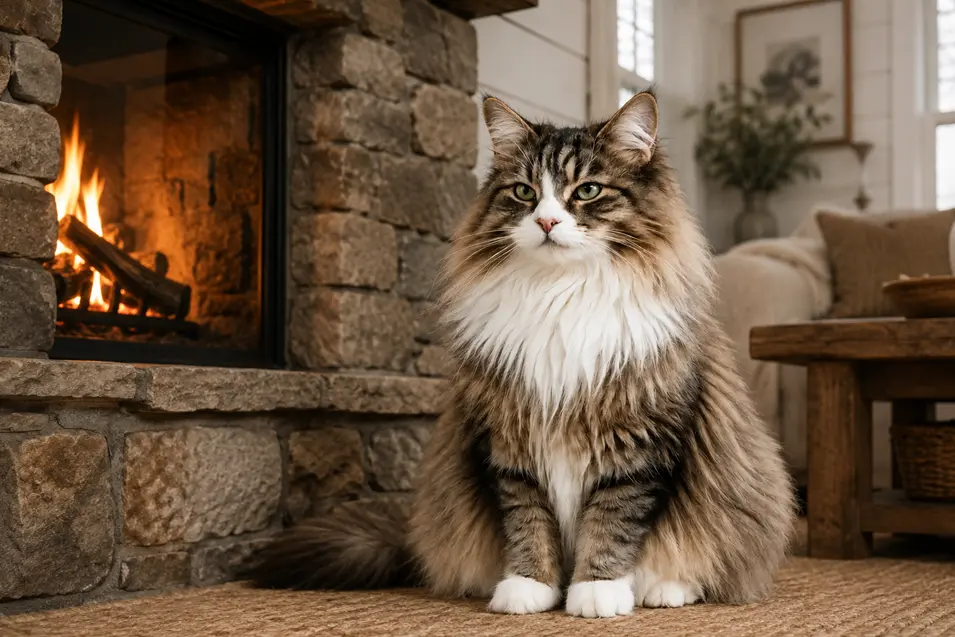
Step 4 – Add the Environment
Prompt
A Norwegian Forest Cat sitting beside a stone fireplace inside a cozy modern farmhouse living room.
What Changed?
We’ve expanded the environment.
Instead of simply having a fireplace, AI now understands the overall room style.
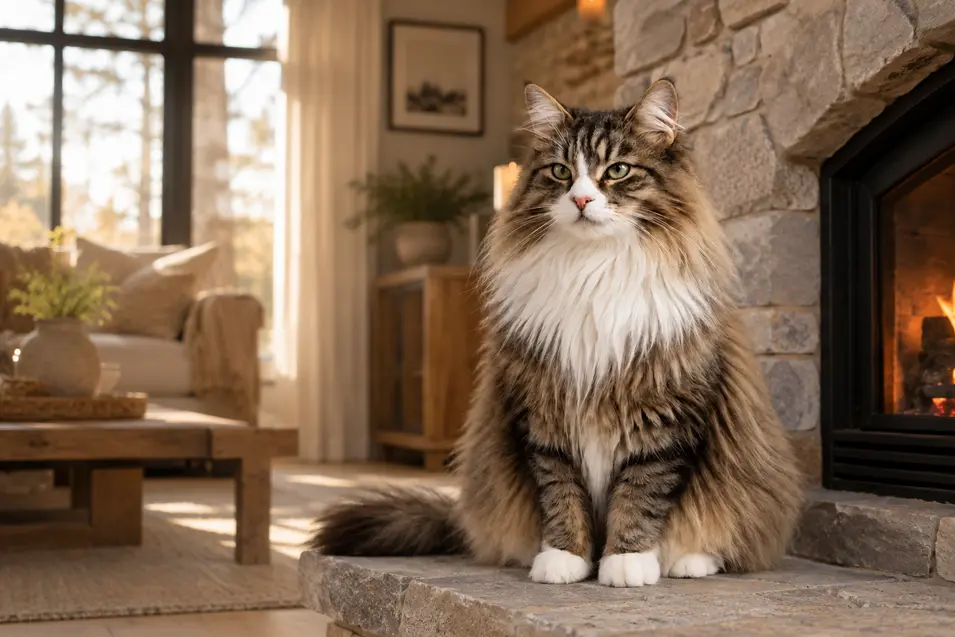
Step 5 – Add Lighting
Prompt
A Norwegian Forest Cat sitting beside a stone fireplace inside a cozy modern farmhouse living room, warm afternoon sunlight streaming through large windows.
What Changed?
Lighting changes everything.
The room now feels warmer, softer, and more inviting.
Step 6 – Add a Camera Angle
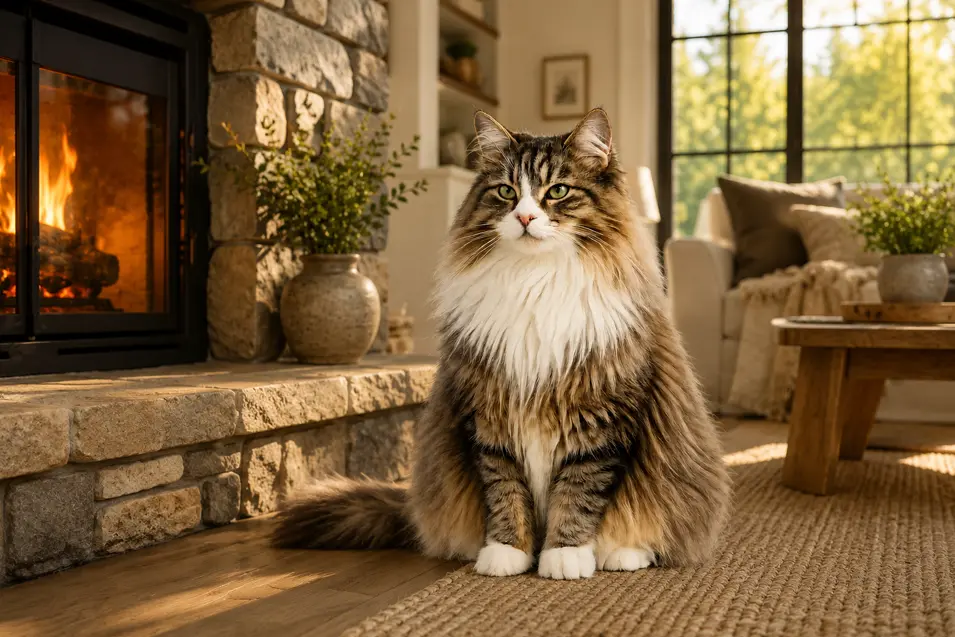
Prompt
A Norwegian Forest Cat sitting beside a stone fireplace inside a cozy modern farmhouse living room, warm afternoon sunlight streaming through large windows, photographed at eye level.
What Changed?
The camera now feels more natural and personal.
Eye-level photography creates a stronger emotional connection.
Step 7 – Add a Lens
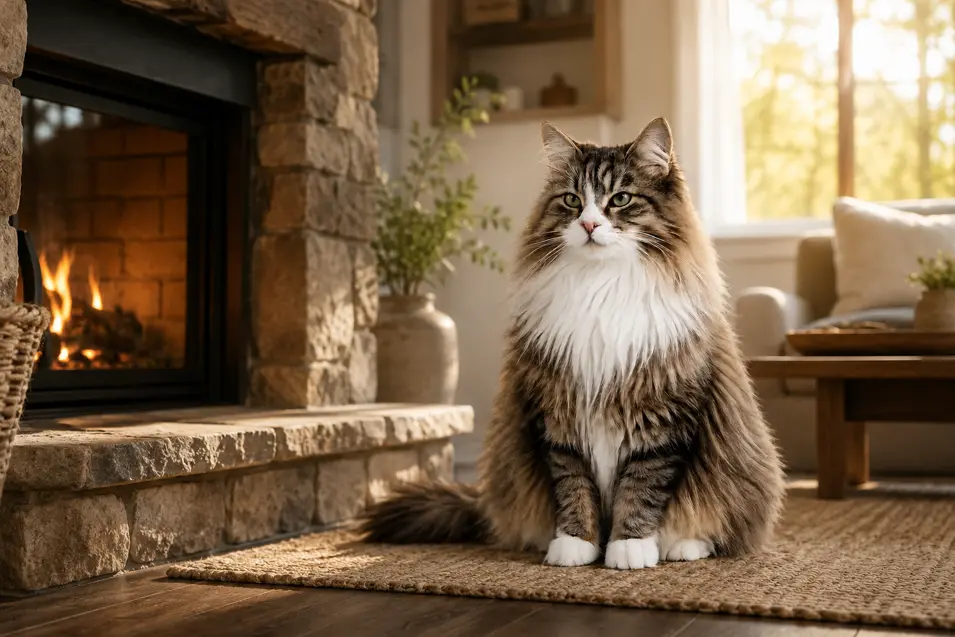
Prompt
A Norwegian Forest Cat sitting beside a stone fireplace inside a cozy modern farmhouse living room, warm afternoon sunlight streaming through large windows, photographed at eye level using an 85mm portrait lens.
What Changed?
The 85mm lens creates flattering proportions and beautiful background blur.
Step 8 – Add Depth of Field
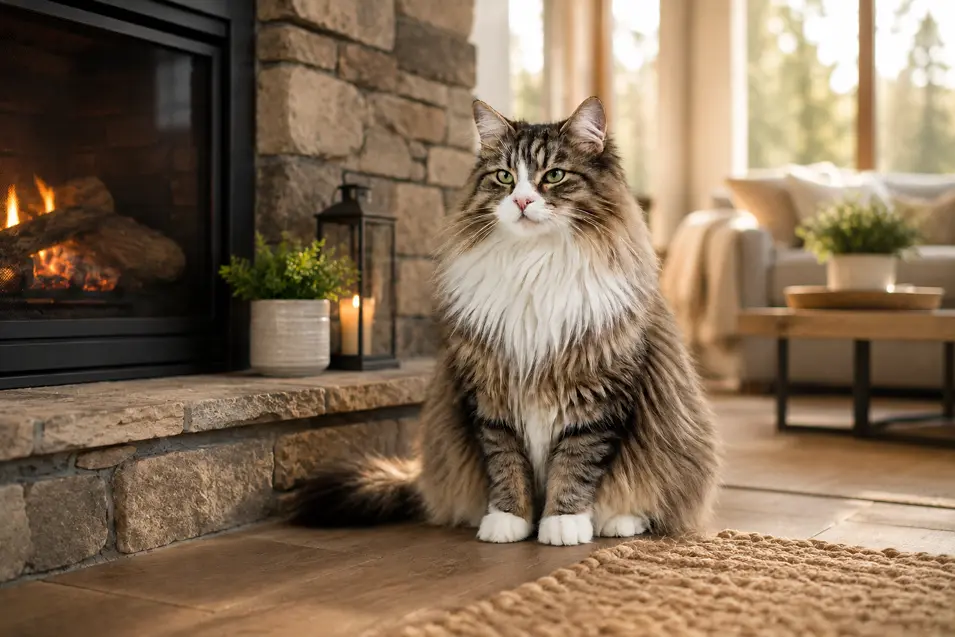
Prompt
A Norwegian Forest Cat sitting beside a stone fireplace inside a cozy modern farmhouse living room, warm afternoon sunlight streaming through large windows, photographed at eye level using an 85mm portrait lens, shallow depth of field.
What Changed?
The background becomes softer while the cat becomes the clear focal point.
Step 9 – Add Realism
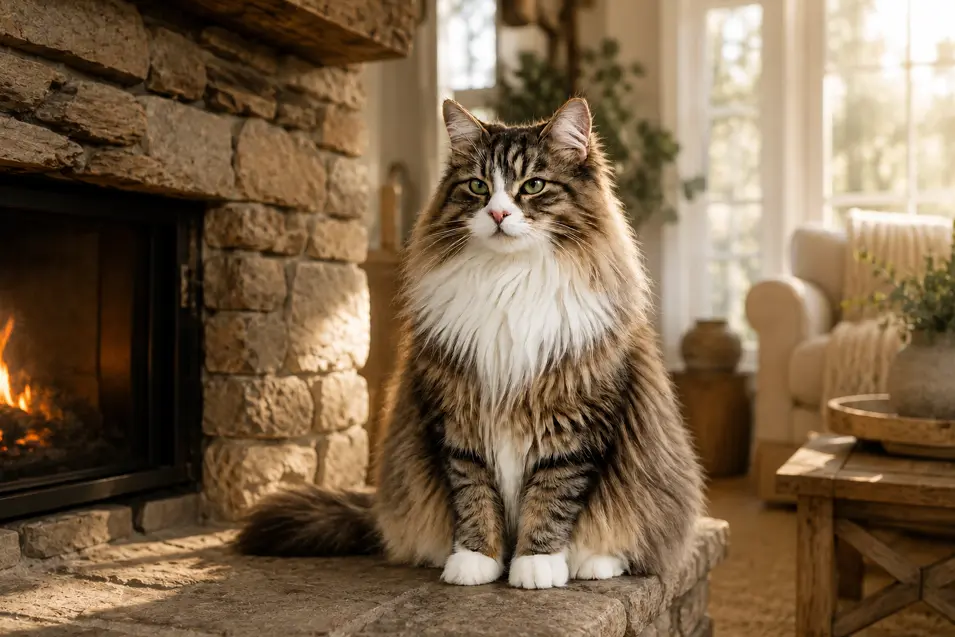
Prompt
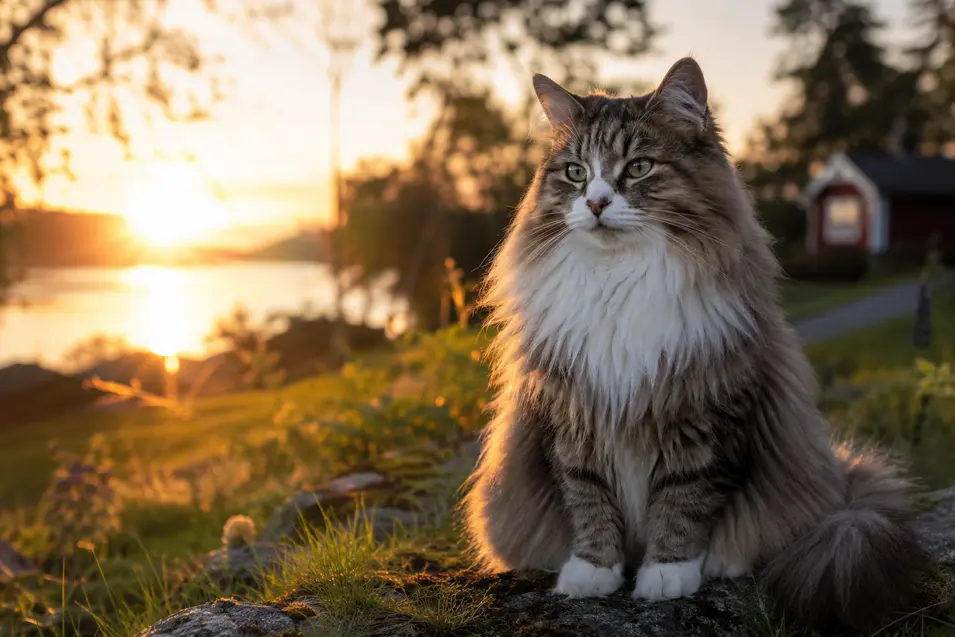
A Norwegian Forest Cat sitting beside a stone fireplace inside a cozy modern farmhouse living room, warm afternoon sunlight streaming through large windows, photographed at eye level using an 85mm portrait lens, shallow depth of field, photorealistic, realistic fur texture, lifelike eyes.
What Changed?
We’ve asked the AI to prioritize realism rather than illustration.
Small details become more convincing.
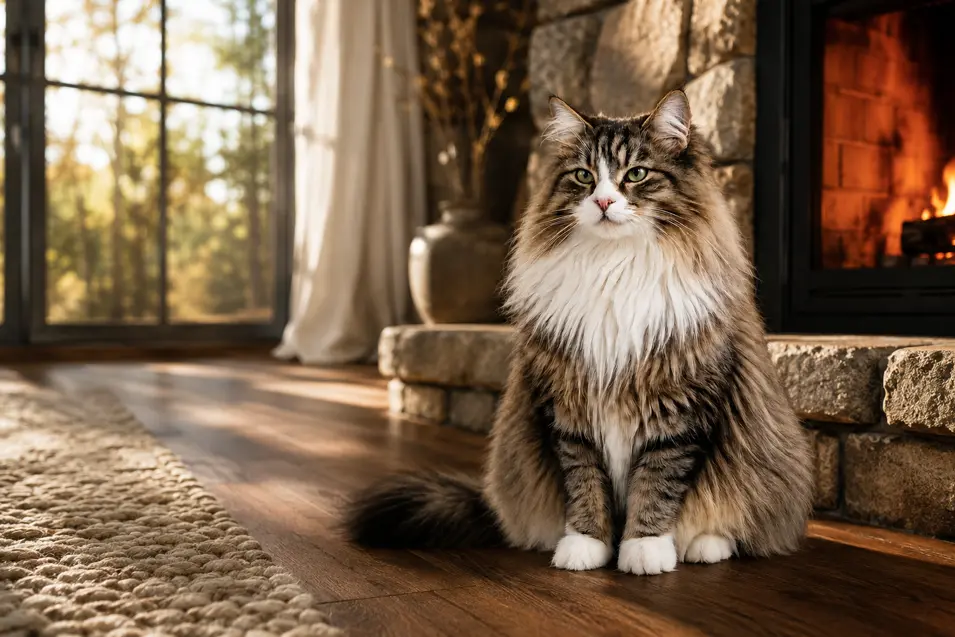
Step 10 – The Finished Prompt
Prompt
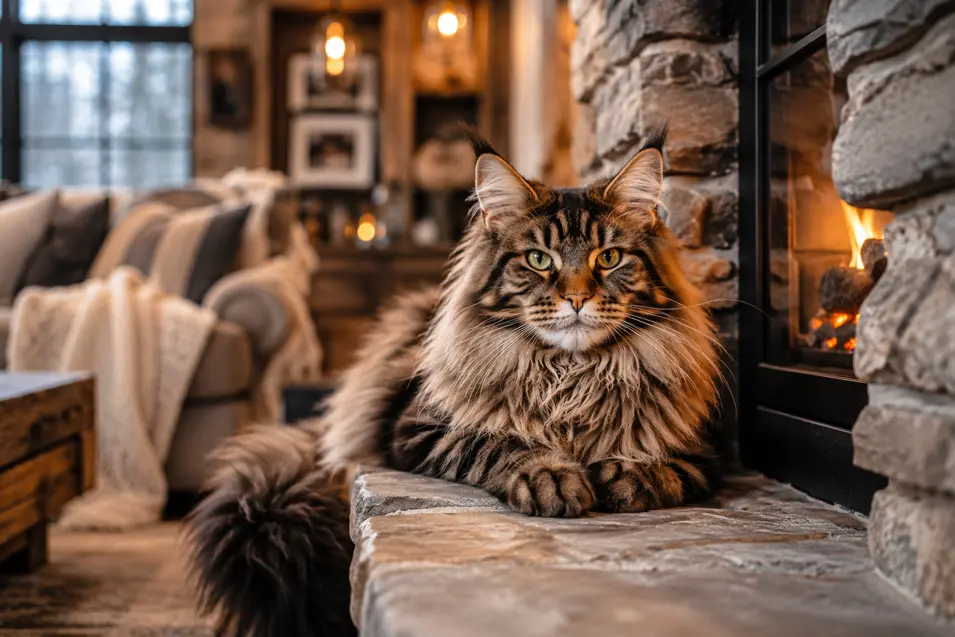
A majestic Norwegian Forest Cat sitting comfortably beside a natural stone fireplace inside a cozy modern farmhouse living room, warm afternoon sunlight streaming through large floor-to-ceiling windows, photographed at eye level using an 85mm portrait lens, shallow depth of field, photorealistic, magazine-quality pet photography, realistic fur texture, lifelike eyes, subtle film grain, natural color grading, ultra-detailed, highly realistic.
What Changed?
This isn’t just a longer prompt.
It’s a more complete description.
Every sentence helps the AI understand your vision.
What We Added
| Step | New Information |
| 1 | Subject |
| 2 | Action |
| 3 | Location |
| 4 | Environment |
| 5 | Lighting |
| 6 | Camera Angle |
| 7 | Lens |
| 8 | Depth of Field |
| 9 | Realism |
| 10 | Quality & Finishing Details |
The Prompt Formula
When building your own prompts, use this simple structure:
Subject
↓
Action
↓
Location
↓
Environment
↓
Lighting
↓
Camera Angle
↓
Lens
↓
Depth of Field
↓
Style
↓
Quality & Fine Details
Rather than writing one giant prompt all at once, build it layer by layer.
You’ll quickly discover which changes make the biggest difference.
Your Challenge
Start with:
Golden Retriever
Then improve it one step at a time using the same process from this article.
Change only one element before generating the next image.
Compare every version side by side.
You’ll not only create better AI images—you’ll also learn exactly which prompt elements have the greatest impact.
Final Thoughts
The best AI prompts don’t become better because they’re longer.
They become better because they’re clearer.
Every addition tells the AI something useful.
By building prompts one layer at a time, you’ll create more consistent, more realistic, and more professional-looking images—and you’ll understand why each change improves the result.