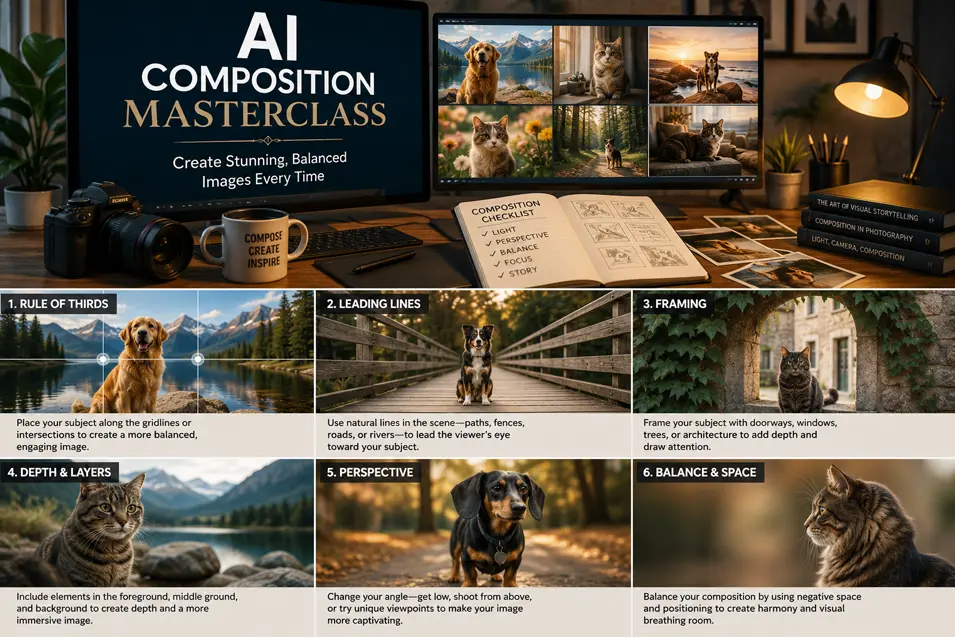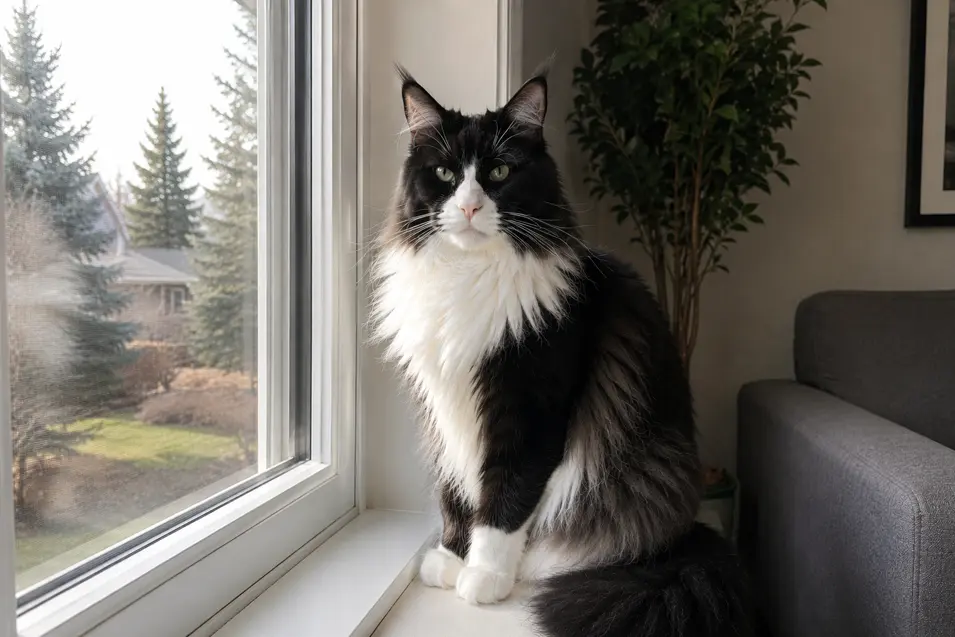
Learn how camera angles dramatically change AI-generated images. Compare eye-level, low-angle, high-angle, overhead, close-up, wide-angle, and cinematic perspectives with practical prompt examples.
One of the easiest ways to improve your AI-generated images has nothing to do with lighting, style, or even the subject.
It’s where you place the camera.
Professional photographers carefully choose camera angles because perspective influences how we experience an image. The exact same subject can appear powerful, playful, intimate, dramatic, or even vulnerable simply by moving the camera.
The same principle applies to AI image generation.
Instead of letting AI randomly decide where the camera should be, tell it exactly where to stand.
You’ll be surprised how much difference it makes.
Why Camera Angles Matter
Camera angles affect:
- Emotion
- Perspective
- Storytelling
- Scale
- Depth
- Focus
- Visual interest
Changing the camera often has a greater impact than changing the subject.
1. Eye-Level Photography
Prompt Addition
photographed at eye level
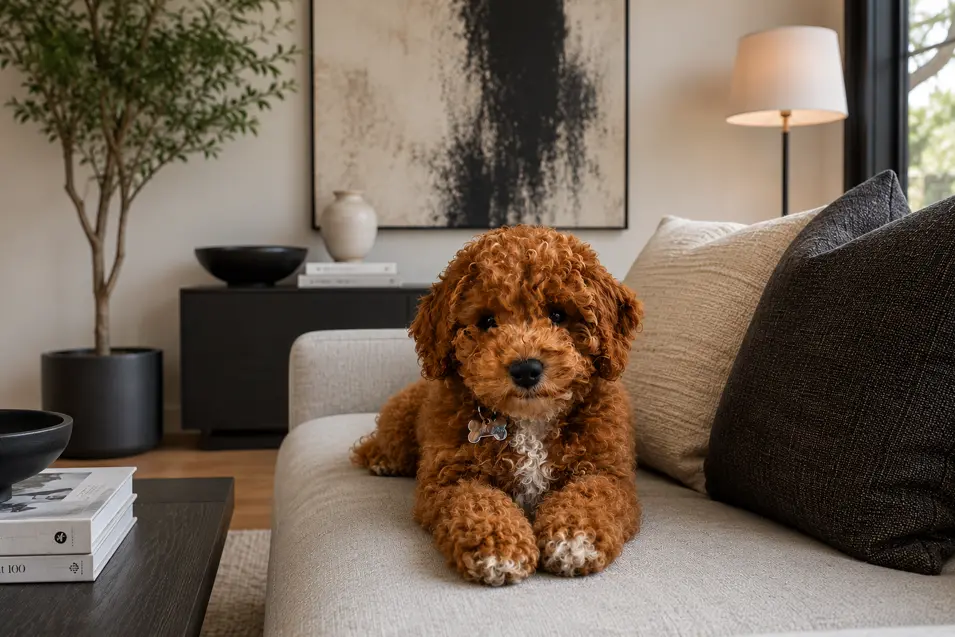
Eye-level photography feels natural.
It’s the perspective we use when interacting with another person—or kneeling down to spend time with a pet.
This is often the best choice for portraits.
Best For
- Dogs
- Cats
- Family photography
- Lifestyle images
2. Ground-Level Perspective
Prompt Addition
photographed from ground level
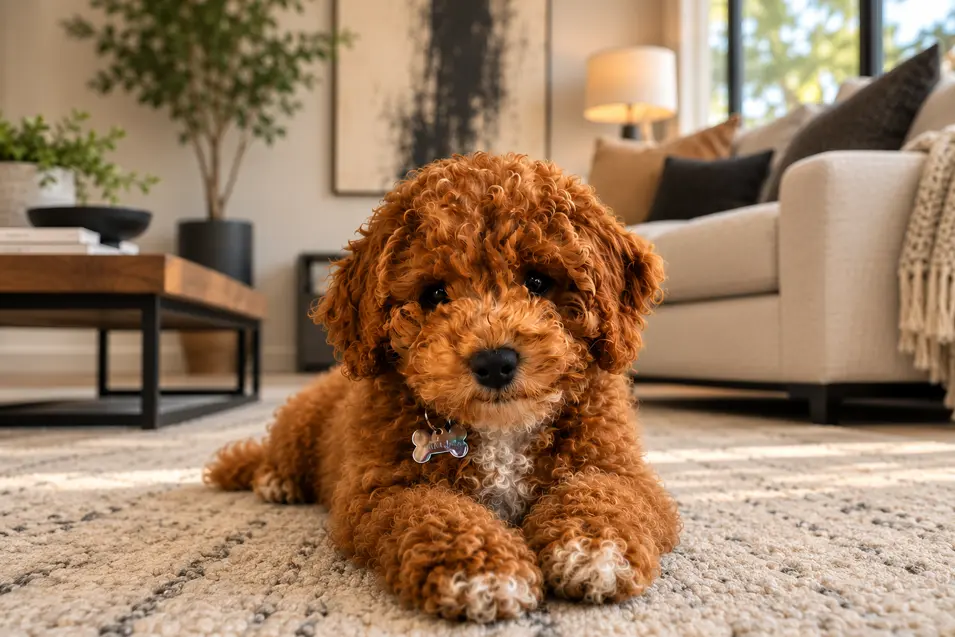
Place the camera almost on the floor.
The subject instantly becomes more dramatic.
Rooms appear larger, and pets feel more heroic.
Best For
- Cats
- Dogs
- Wildlife
- Architecture
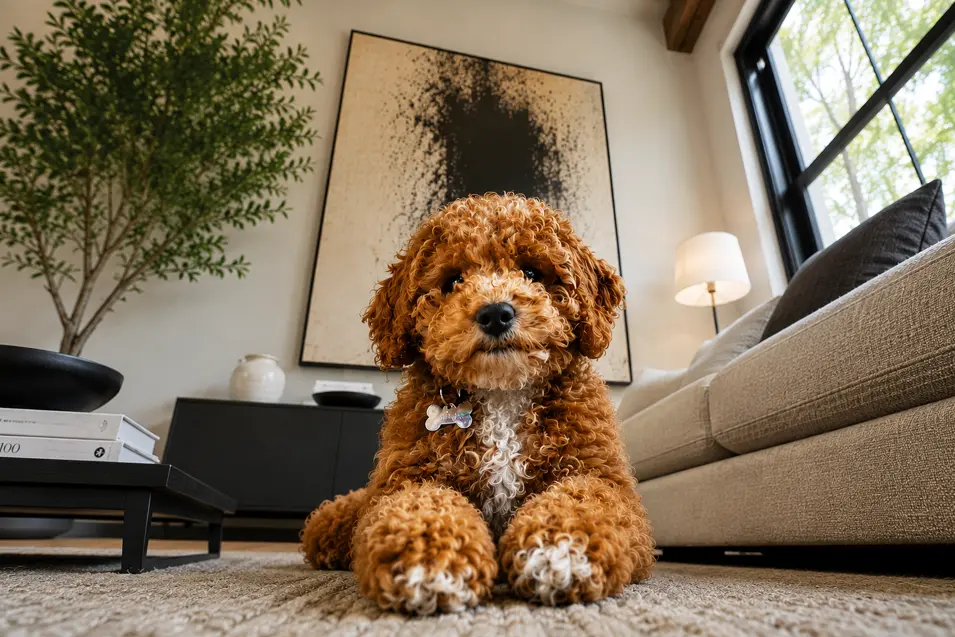
3. Low Angle
Prompt Addition
photographed from a low angle looking upward
Looking upward makes the subject appear larger and more confident.
It’s often used in movie posters and editorial photography.
Best For
- Hero shots
- Wildlife
- Adventure photography
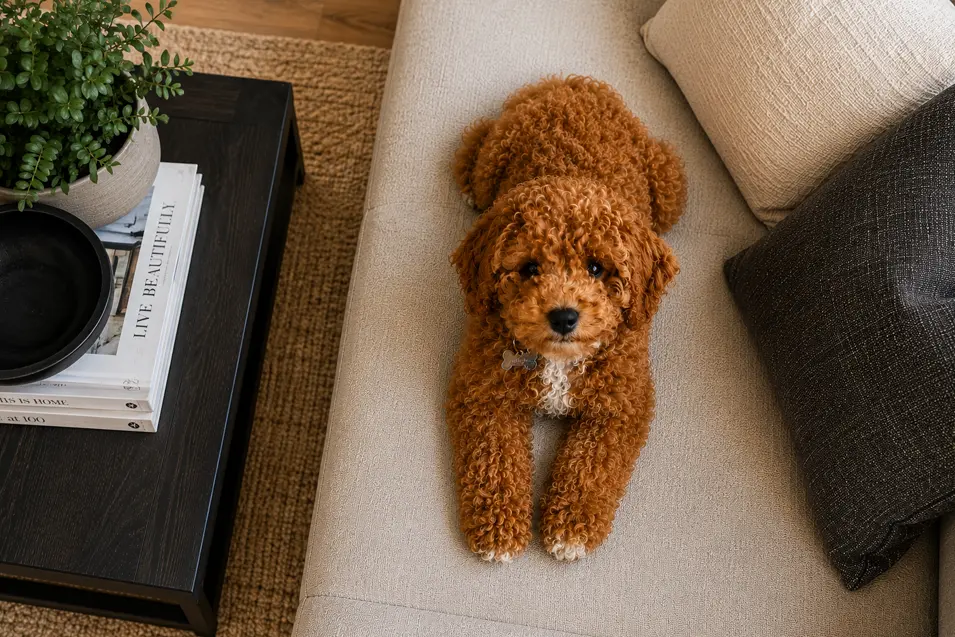
4. High Angle
Prompt Addition
photographed from above
Looking down creates a softer, more vulnerable feeling.
It’s also excellent for showing surroundings.
Best For
- Puppies
- Kittens
- Lifestyle scenes
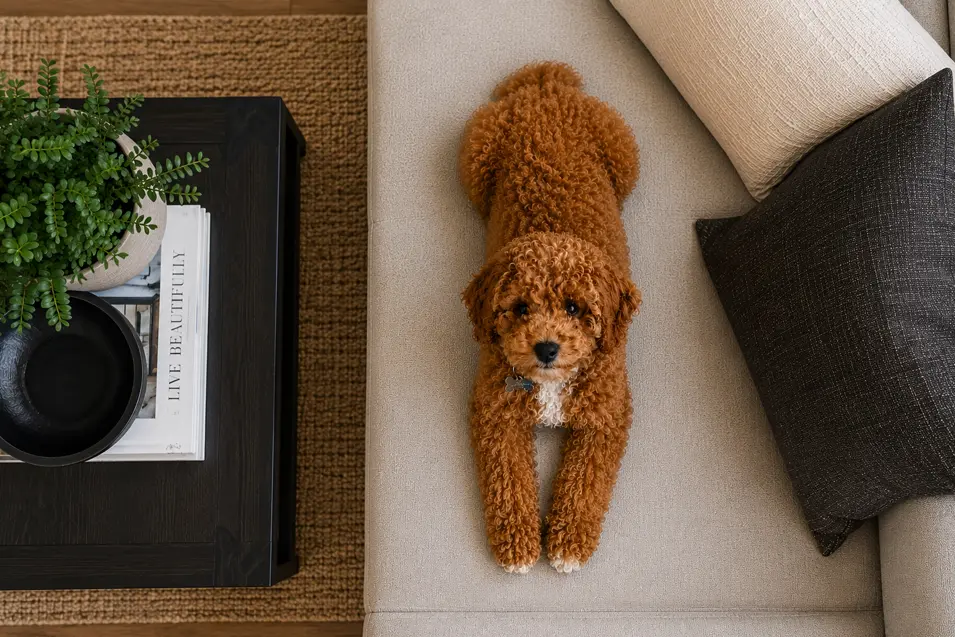
5. Bird’s-Eye View
Prompt Addition
overhead photography
The camera sits directly above the subject.
This creates clean, graphic compositions.
Best For
- Sleeping pets
- Product photography
- Interior design
- Flat lays
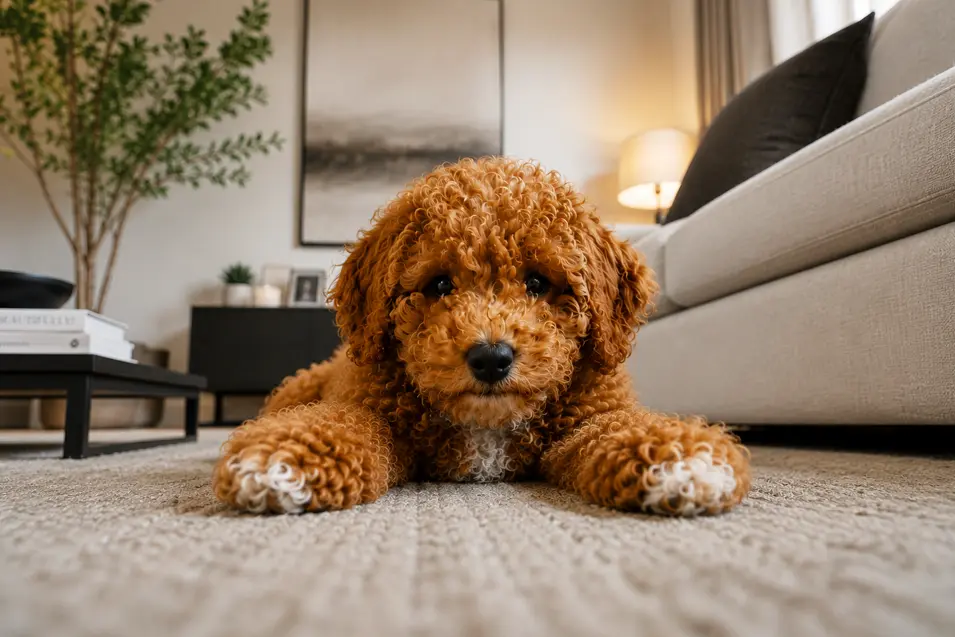
6. Worm’s-Eye View
Prompt Addition
photographed from an extremely low perspective
Almost lying on the ground.
Everything feels bigger and more dramatic.
Best For
- Tall buildings
- Trees
- Heroic portraits
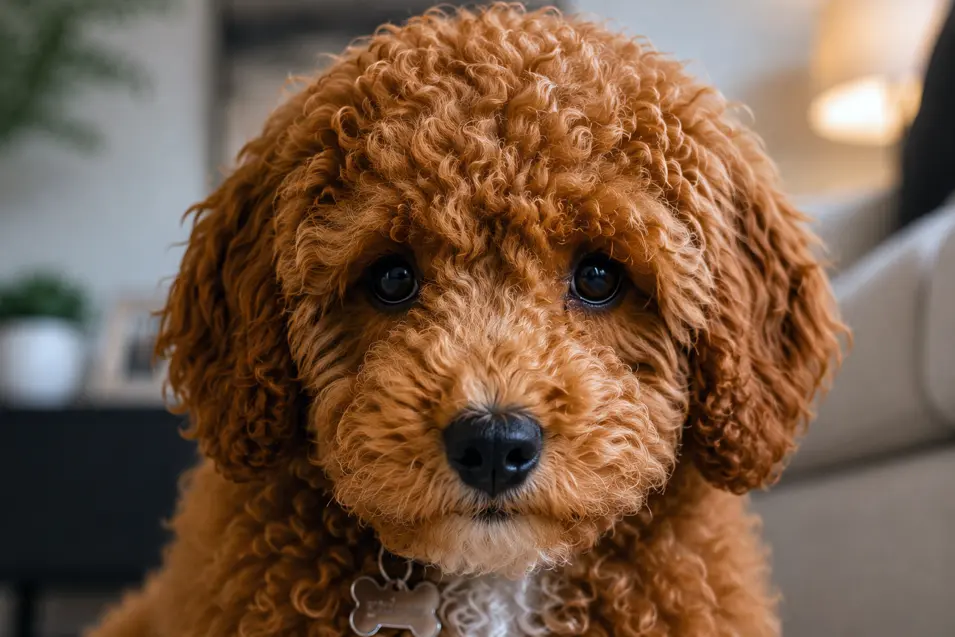
7. Close-Up Portrait
Prompt Addition
close-up portrait
Fill the frame with the face.
Expressions become the story.
Best For
- Eyes
- Portraits
- Emotional photography
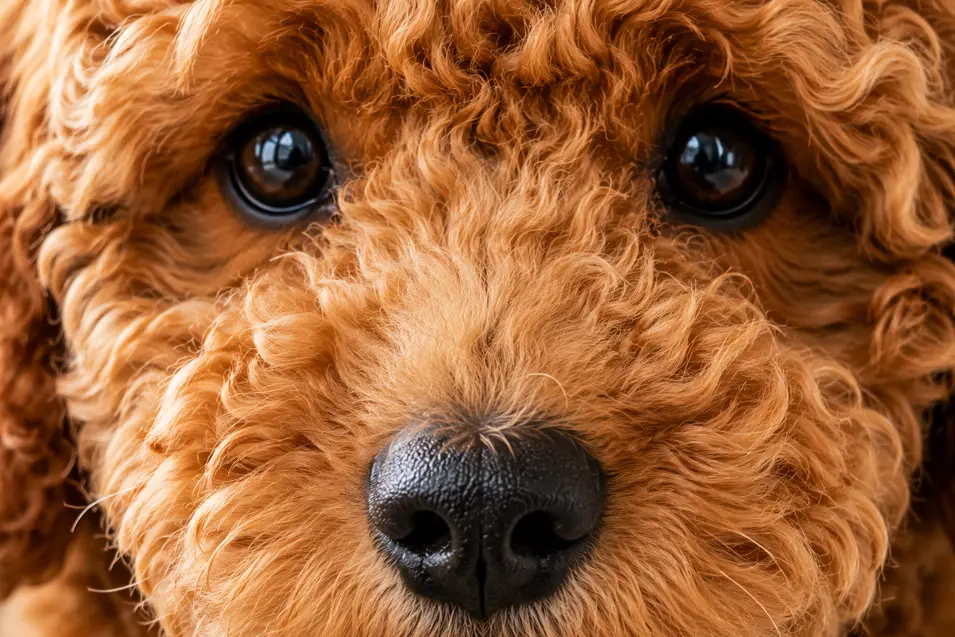
8. Extreme Close-Up
Prompt Addition
extreme close-up
Every whisker.
Every eyelash.
Every detail becomes visible.
Best For
- Macro photography
- Wildlife
- Fine art
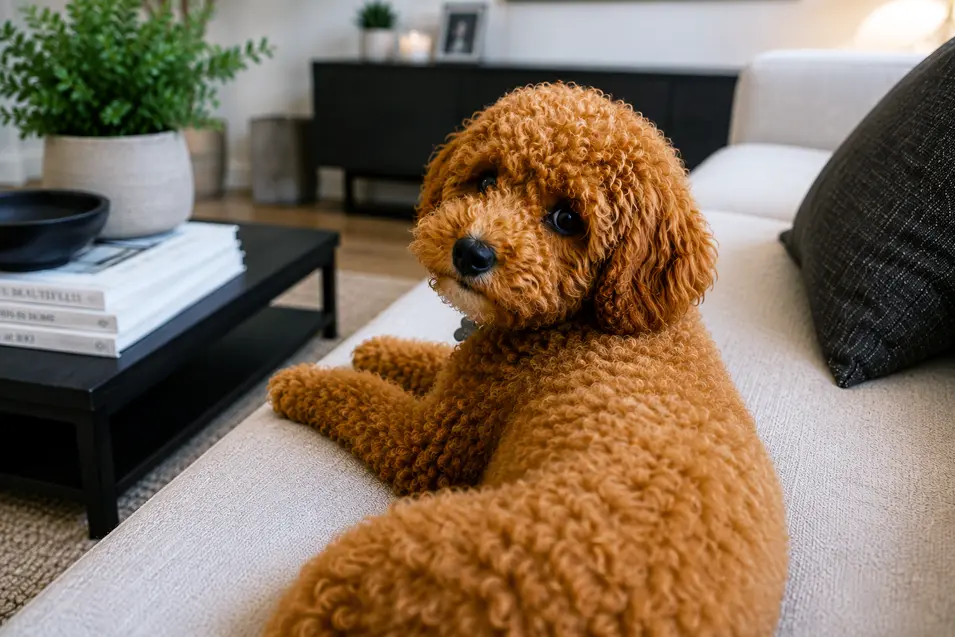
9. Over-the-Shoulder
Prompt Addition
over-the-shoulder perspective
This creates a sense of storytelling.
It feels as though you’re sharing the subject’s experience.
Best For
- Looking out windows
- Nature scenes
- Adventure photography
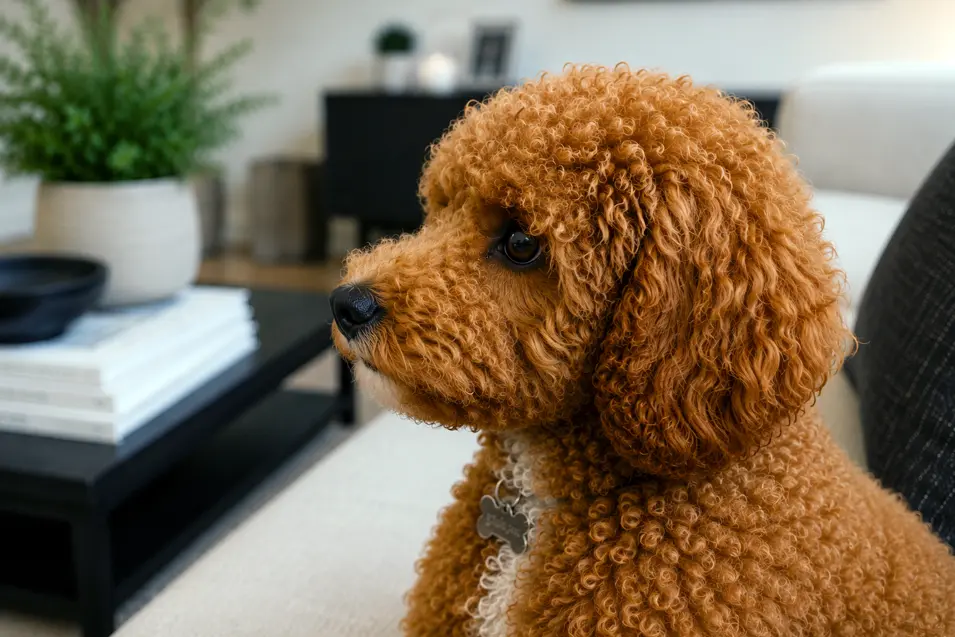
10. Side Profile
Prompt Addition
side profile
Simple.
Elegant.
Classic.
Best For
- Editorial photography
- Fine art
- Magazine covers
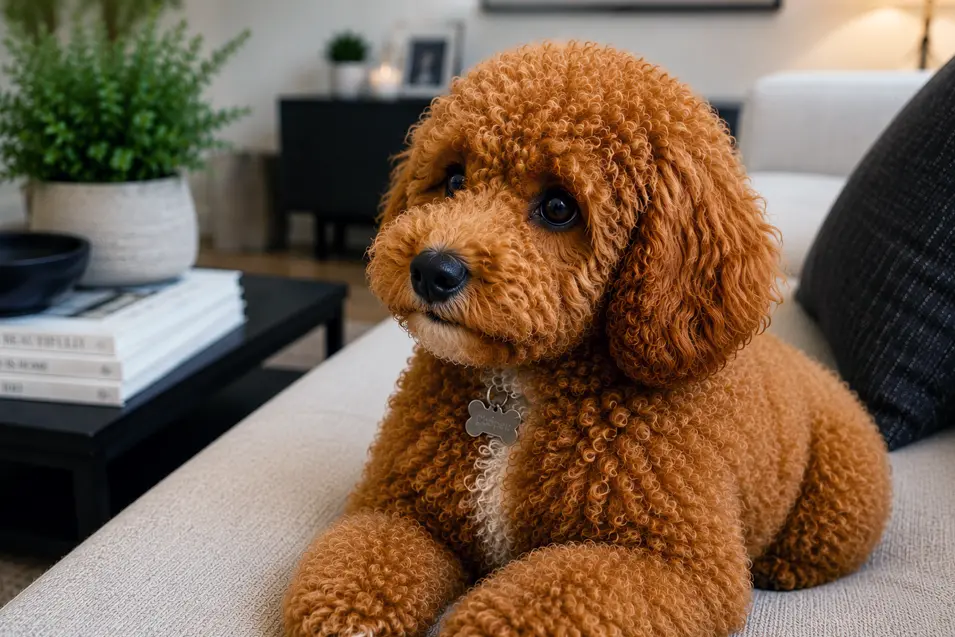
11. Three-Quarter View
Prompt Addition
three-quarter view
One of the most flattering portrait angles.
It shows both facial features and body shape.
Best For
- Pet portraits
- Editorial photography
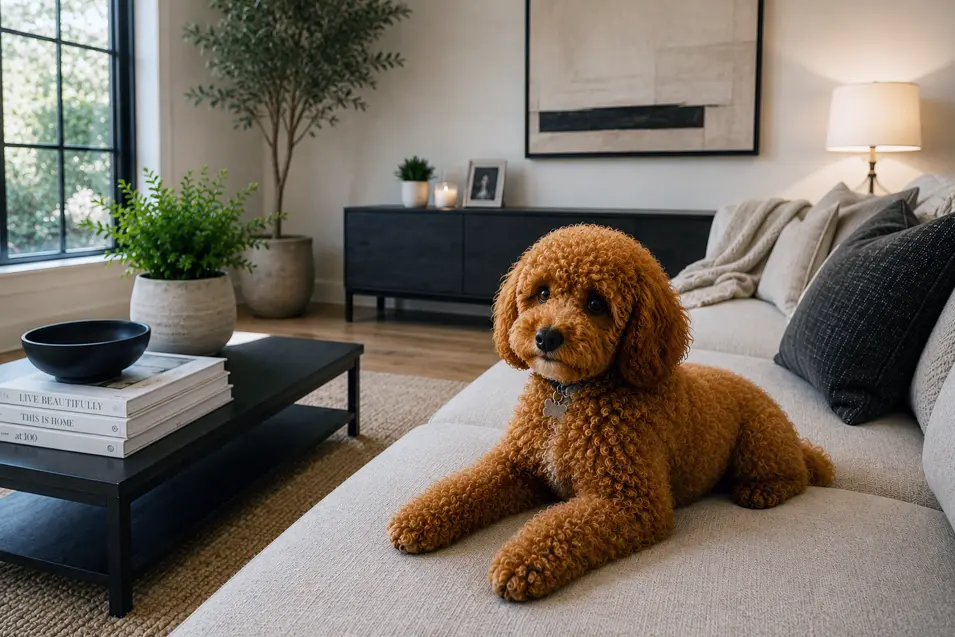
12. Wide Environmental Shot
Prompt Addition
wide environmental composition
Instead of focusing only on the pet, this angle includes the entire environment.
Best For
- Interior design
- Landscapes
- Adventure scenes
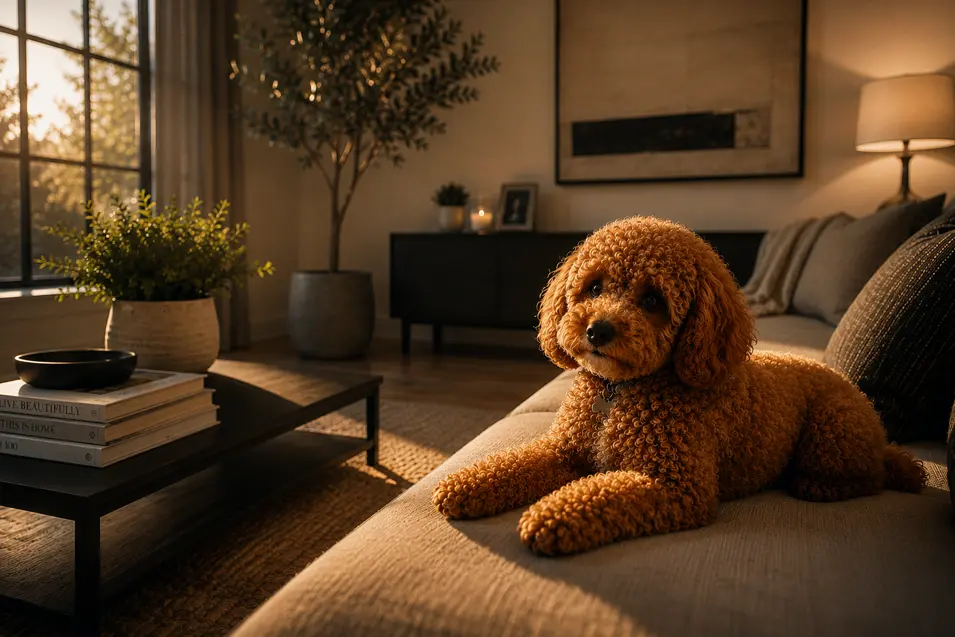
13. Cinematic Perspective
Prompt Addition
cinematic camera angle
Movie-inspired compositions often use lower camera positions, dramatic framing, and strong leading lines.
Best For
- Storytelling
- Fantasy
- Adventure
Camera Angle Comparison
| Camera Angle | Best Use |
| Eye Level | Portraits |
| Ground Level | Pets & Architecture |
| Low Angle | Heroic Images |
| High Angle | Lifestyle |
| Bird’s-Eye View | Flat Lays & Interiors |
| Worm’s-Eye View | Dramatic Perspective |
| Close-Up | Emotion |
| Extreme Close-Up | Fine Details |
| Over-the-Shoulder | Storytelling |
| Side Profile | Classic Portraits |
| Three-Quarter View | Editorial |
| Environmental | Context |
| Cinematic | Movie-Style Images |
Combining Camera Angles with Lenses
Camera angles become even more powerful when paired with the right lens.
For example:
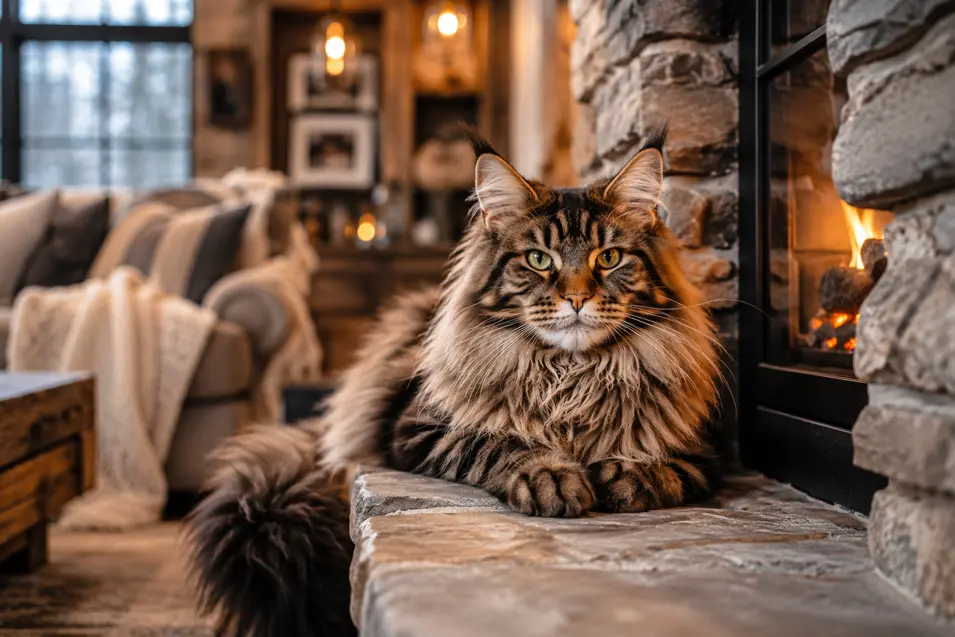
Maine Coon cat sitting beside a fireplace, photographed at eye level with an 85mm portrait lens, warm afternoon sunlight, shallow depth of field.
Or:
Golden Retriever running across a meadow, photographed from ground level using a 35mm lens during golden hour.
The camera angle and lens work together to shape the entire composition.
My Favorite Camera Angle Prompts
- photographed at eye level
- photographed from ground level
- photographed from a low angle
- photographed from above
- overhead photography
- cinematic camera angle
- over-the-shoulder perspective
- side profile
- three-quarter portrait
- wide environmental composition
- close-up portrait
- extreme close-up
- worm’s-eye perspective
- bird’s-eye perspective
Quick Camera Angle Cheat Sheet
Want this look? Try this camera angle:
📸 Natural Portrait → Eye Level
🐾 Hero Shot → Ground Level
🏔️ Powerful → Low Angle
💛 Cute → High Angle
🛏️ Flat Lay → Bird’s-Eye View
🎬 Cinematic → Low Angle + Leading Lines
😊 Emotional → Close-Up
🔬 Tiny Details → Extreme Close-Up
🏡 Interior Design → Wide Environmental Shot
📖 Storytelling → Over-the-Shoulder
📰 Magazine Style → Three-Quarter View
Final Thoughts
Changing the camera angle is one of the fastest ways to transform an AI image.
It costs nothing.
It only adds a few words to your prompt.
Yet it can completely change the emotion, composition, and storytelling of the final image.
When you combine thoughtful camera angles with good lighting, the right lens, and a well-structured prompt, you’ll create AI images that feel far more intentional and far more realistic.
The next time you’re writing an AI prompt, don’t just ask what you want to photograph.
Ask yourself:
“Where would a professional photographer place the camera?”
That simple question can completely change the final image.